Design Sites by Task
Tap what you are working on and only the design sites that fit that job stay. Seventeen sites we opened and checked: template tools, UI and logo references, color tools, free Korean fonts and small-run print.
26 sites
How to choose by task
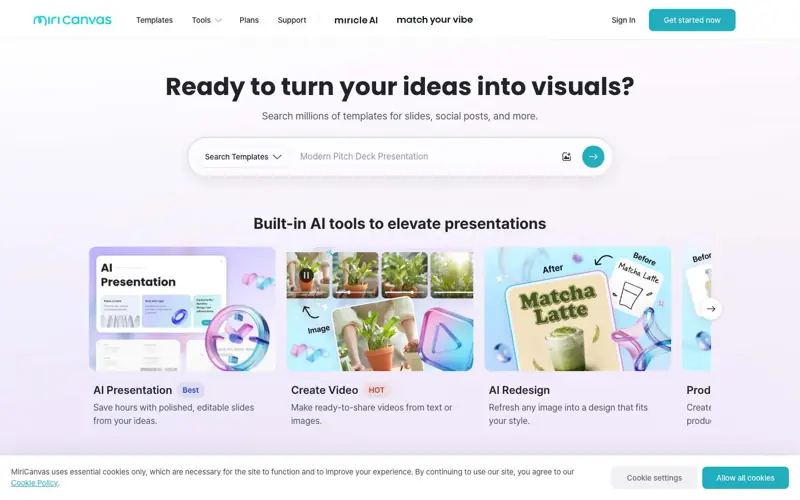
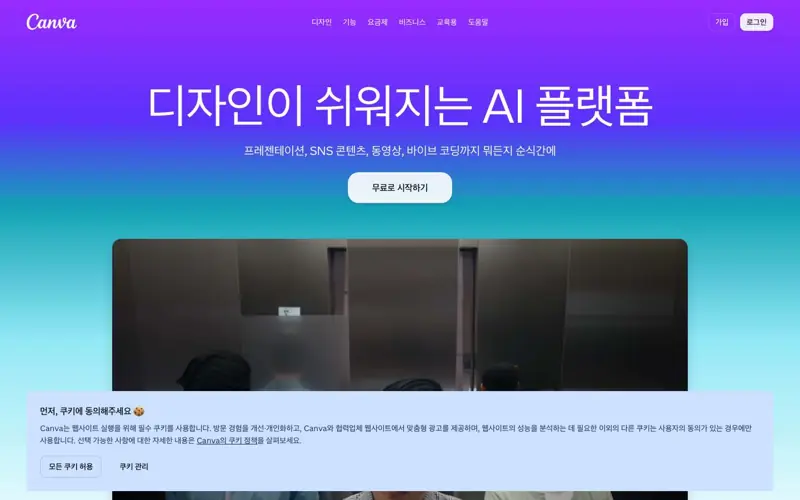
Design sites do one of three jobs: make (MiriCanvas, Canva, Figma), learn by looking (UI Bowl, What Was IT, the logo libraries) or supply materials (Noonnu, Irasutoya, color tools). Decide which one you are stuck on first and you will open far fewer tabs.
A social image or thumbnail due today
Start from a template in MiriCanvas or Canva and change only the copy and photo. MiriCanvas is stronger for Korean-language layouts; Canva has more global styles. A template used as-is looks like everyone else's, so change at least the colors and the font.
Designing an app or web screen
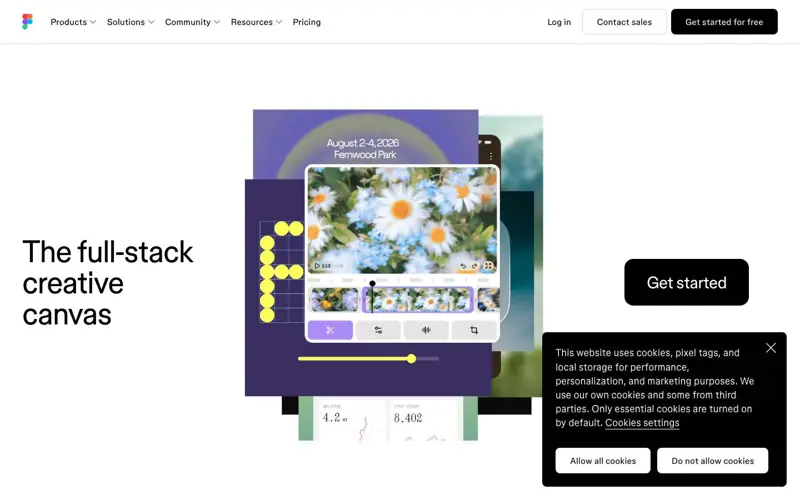
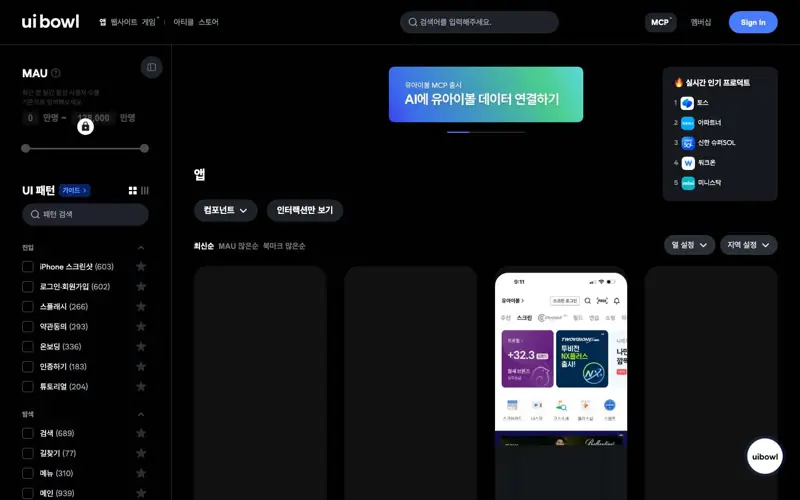
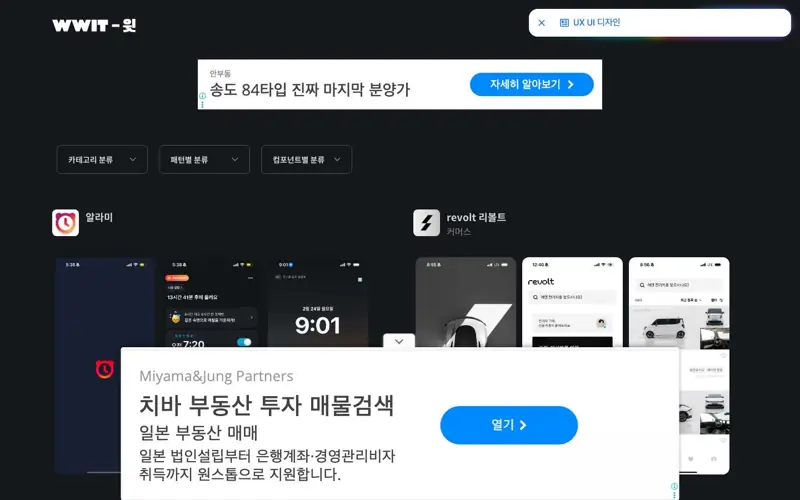
Do not start from a blank canvas. Look up the same screen (sign-up, checkout, empty state) in UI Bowl and What Was IT, put three to five side by side, and note what they all share. That shared set is what users already expect. Then draw it in Figma. Award sites such as CSS Design Awards are striking but often heavy and unfamiliar to operate, so they suit brand pages more than everyday products.
Making a logo
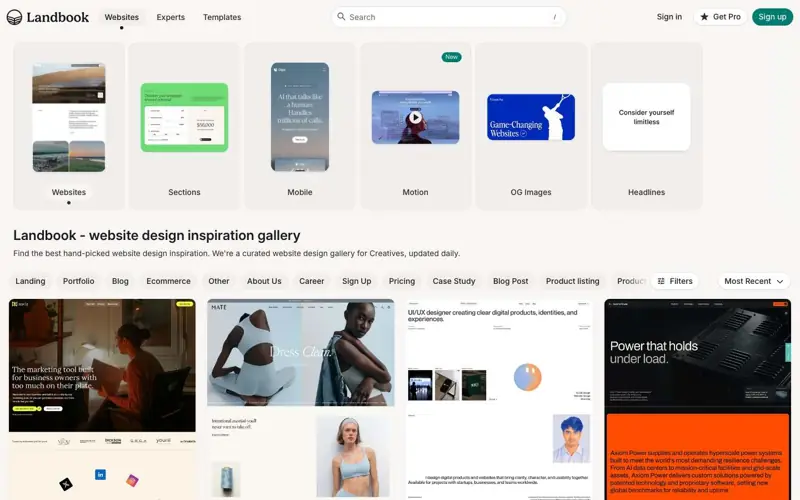
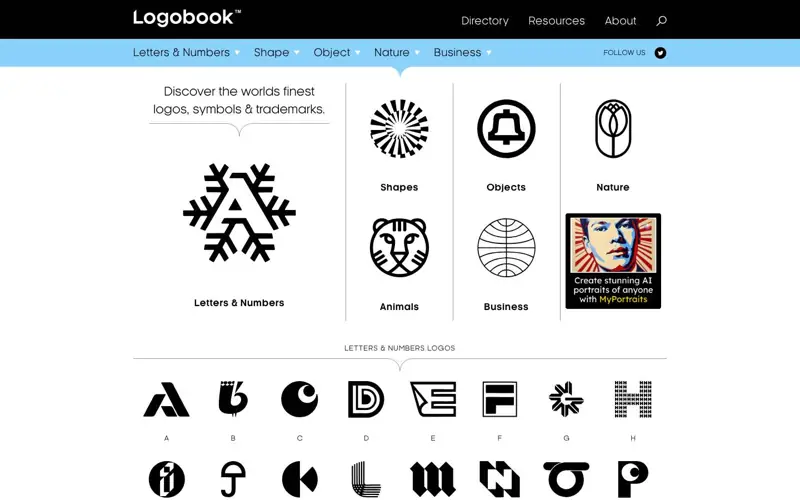
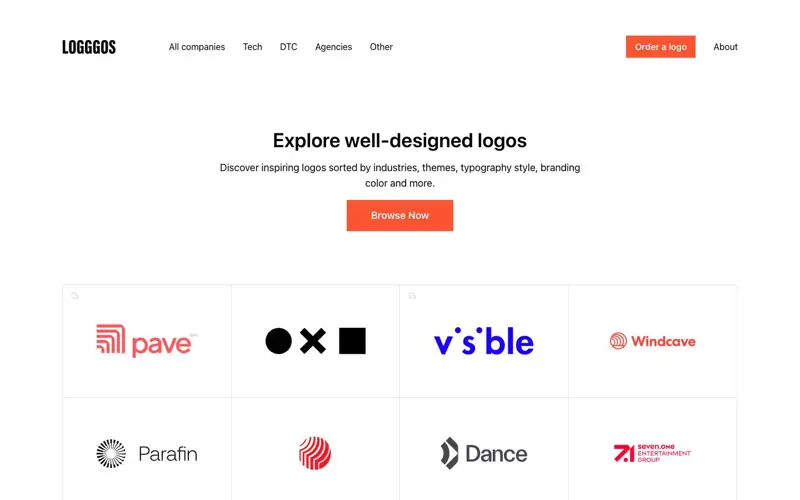
Logosystem, Logobook and Logggos do not make a logo for you; they help you avoid collisions. Search your motif in Logobook to see whether the shape is already common, check the usual colors of your industry in Logggos, then deliberately move away from both. Looking different is not the same as being registrable, so search your trademark office's database before using a logo in business.
Check these before you use anything
1. Commercial-use scope
“Free” does not mean “free for commercial use”. A free font may allow print but not logos, and template tools mix elements that are licensed for commercial work only on paid plans. For ads, sales pages or monetized video, read the license text of the exact asset and keep a screenshot.
2. Borrow structure, not artwork
Screens and logos on reference sites belong to their owners. Order, hierarchy and spacing ratios are fair to study; illustrations, icons and copy are not yours to move. A workable rule: look at three sources and take only what they have in common.
3. Color must stay readable
Body text needs a contrast ratio of at least 4.5:1 against its background (WCAG AA). Test a chosen pair with real copy on a phone at low brightness.
4. Print differs from screen
Screens mix light (RGB) and printers mix ink (CMYK), so near-neon colors print duller. Extend backgrounds 2–3 mm past the trim line (bleed) and keep important text at least 3 mm inside it.
Every site listed here was opened and checked before listing. Prices and terms change, so confirm on the service's own page before paying. Links marked "Affiliate link" pay us a commission if you buy through them. We have no affiliate relationship with the unmarked services.
Compare at a glance
| Name | Type | What it does |
|---|---|---|
| 미리캔버스 | Social posts & thumbnails · Print & merch | A browser design tool with a large Korean template library for social posts, thumbnails, slides and banners. |
| Canva | Social posts & thumbnails | The most widely used template design tool, covering images, video, documents and whiteboards. |
| Figma | App & web UI · Social posts & thumbnails | A collaborative design tool for app and web screens, with components and variables for design systems. |
| Landbook | App & web UI | A hand-picked gallery of website designs, filterable by type, industry, style and color. |
| 유아이볼 | App & web UI | A reference of 100,000+ screens from Korean apps, sites and games, filterable by screen and pattern. |
| What Was IT | App & web UI | A collection of UI/UX patterns from Korean mobile apps, browsable by app and pattern. |
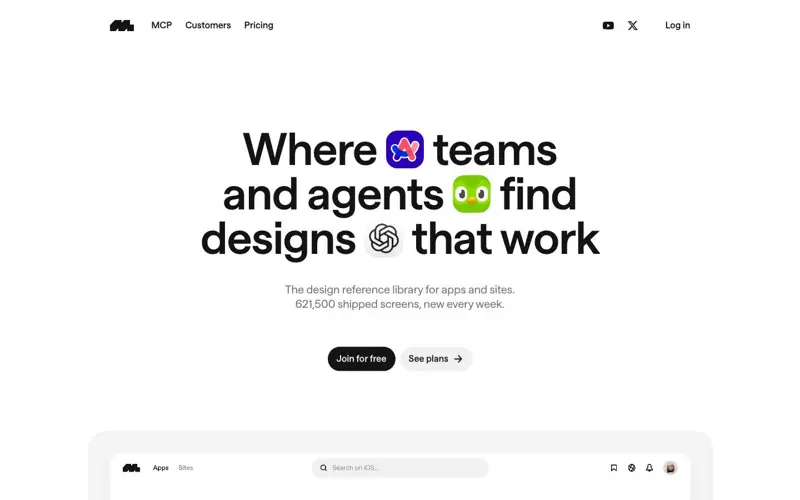
| Mobbin | App & web UI | A reference library of real shipped app and web screens by screen type and flow. |
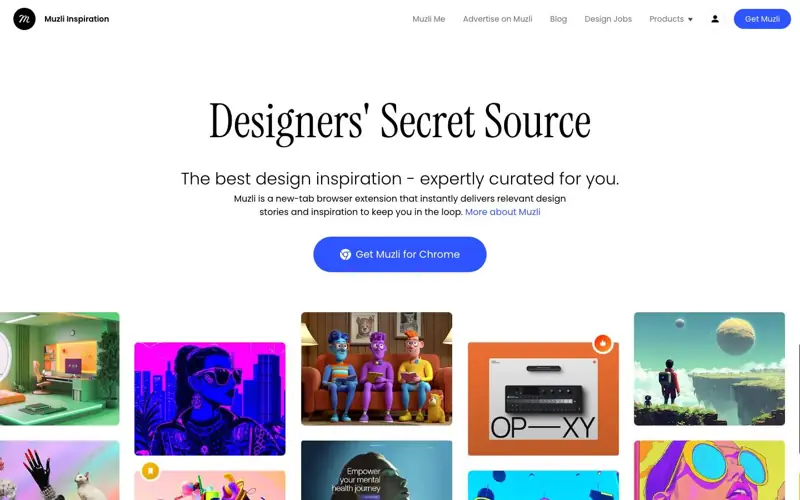
| Muzli | App & web UI · Images & illustration | A design inspiration hub with topical collections and a new-tab browser extension. |
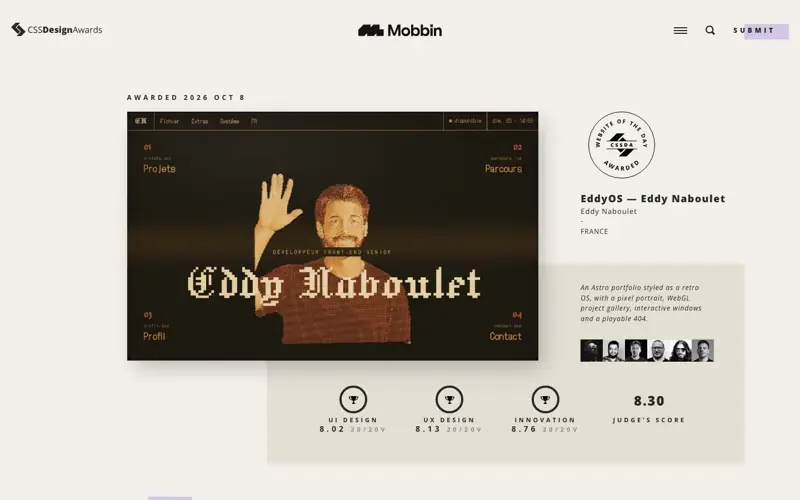
| CSS Design Awards | App & web UI | Juried website awards with many motion-heavy brand sites. |
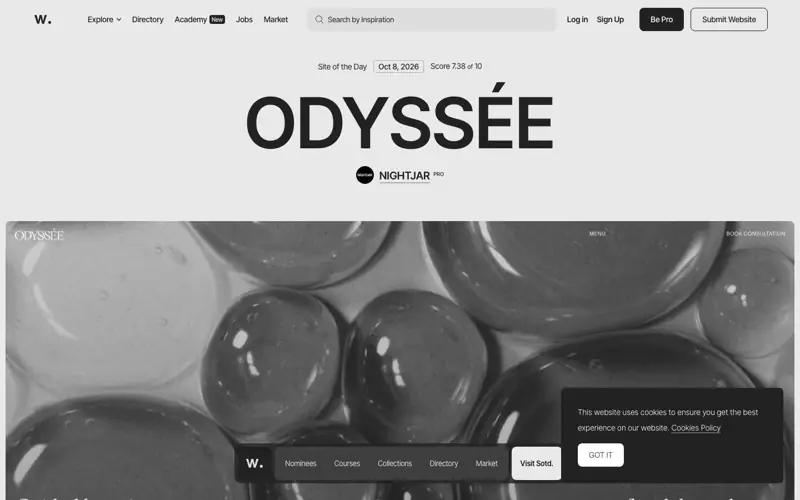
| Awwwards | App & web UI | A web design award that picks a Site of the Day by jury score. |
| Godly | App & web UI | A website gallery with animated previews that show scroll effects. |
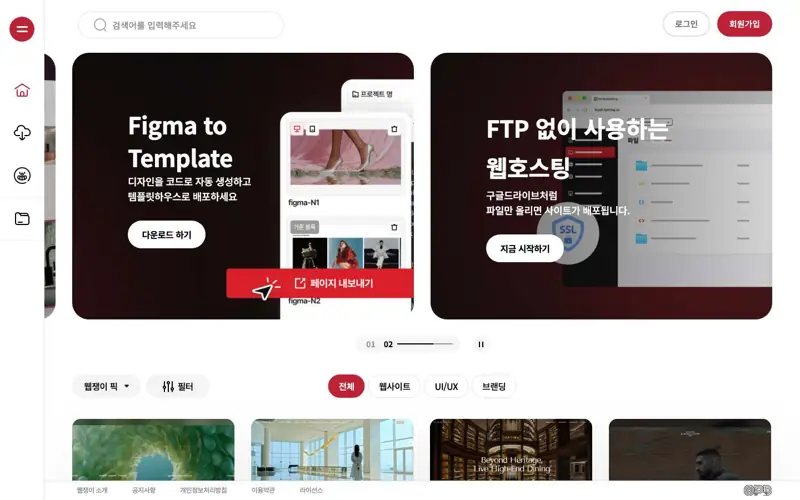
| 웹쟁이 | App & web UI | A hub of Korean web work and resources, including agency projects by industry. |
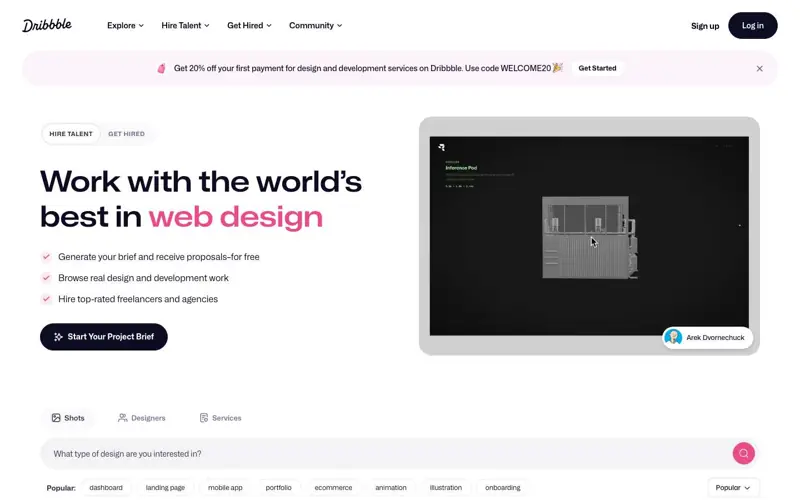
| Dribbble | App & web UI · Logos · Images & illustration | A community where designers post shots of logos, illustrations and UI concepts. |
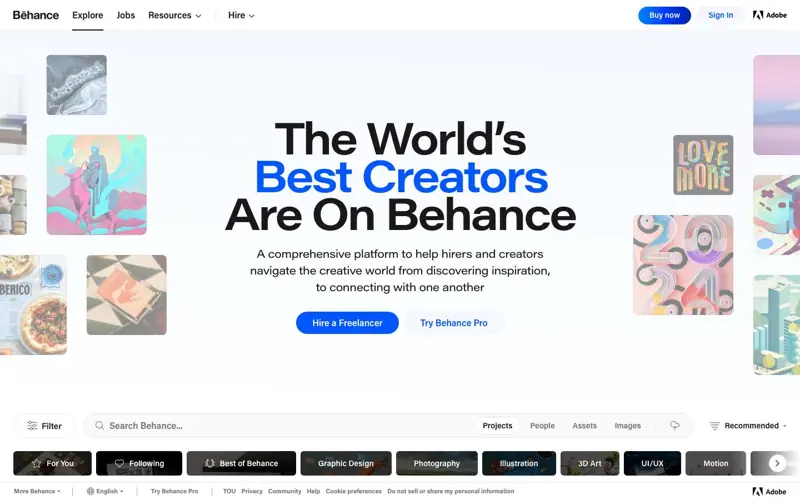
| Behance | App & web UI · Logos · Images & illustration | Adobe's portfolio platform with full-length branding case studies. |
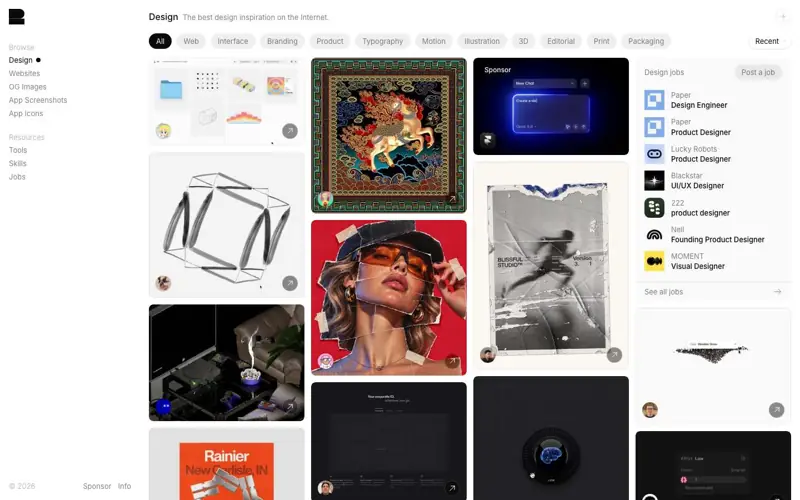
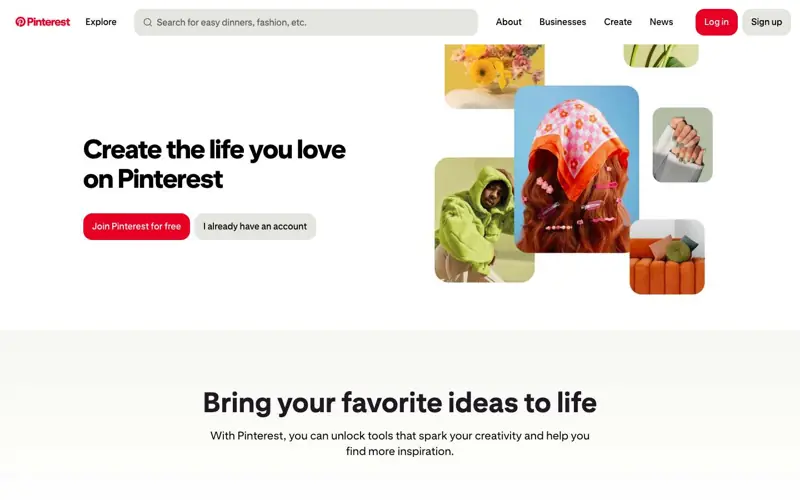
| Images & illustration · App & web UI · Logos | A visual search service for collecting images on boards. | |
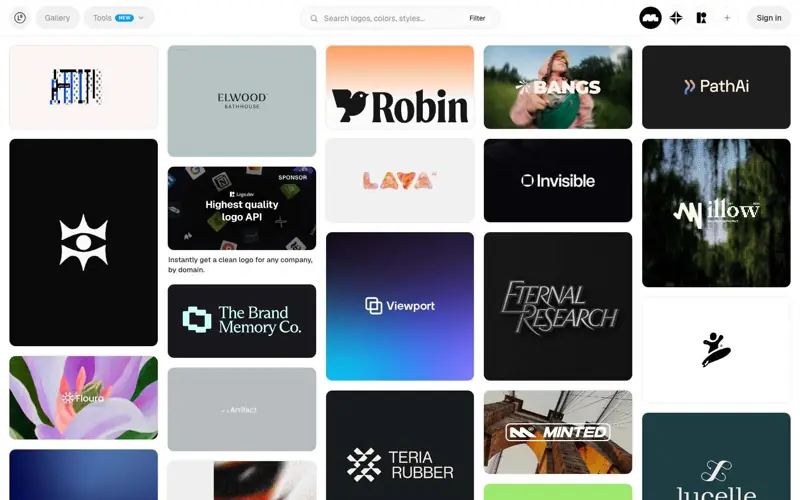
| Logosystem | Logos | A free library of 1,300+ logos, wordmarks, symbols and animated logos with filters. |
| Logobook | Logos | A logo archive organized by shape and motif, mostly in black and white. |
| Logggos | Logos | A catalog of well-designed logos sorted by industry, theme, type style and color. |
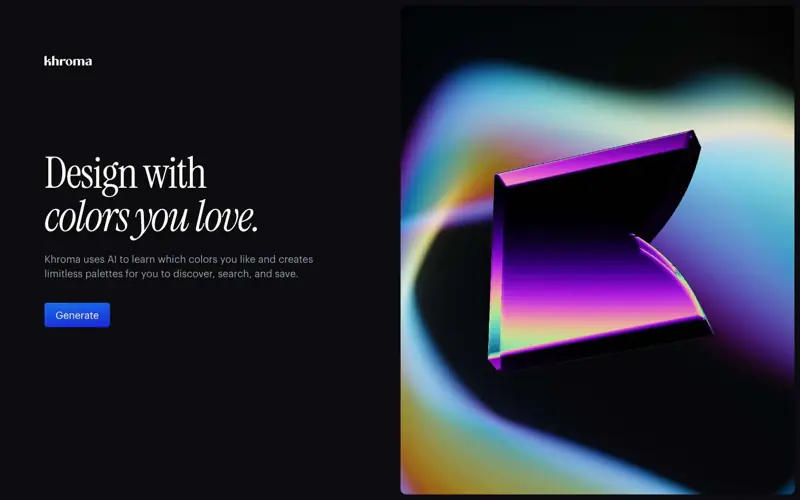
| Khroma | Color | An AI color tool that learns from the colors you pick and generates endless combinations. |
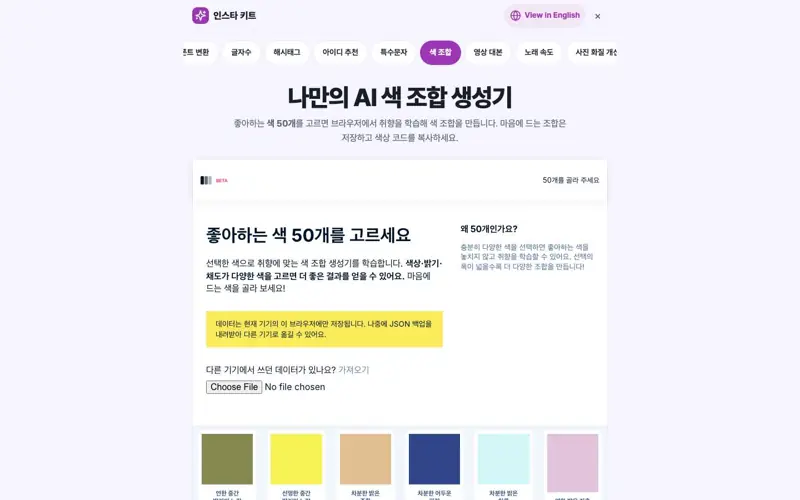
| AI 색 조합 생성기 | Color | Pick 50 colors and train a personal palette generator in your browser. No sign-up. |
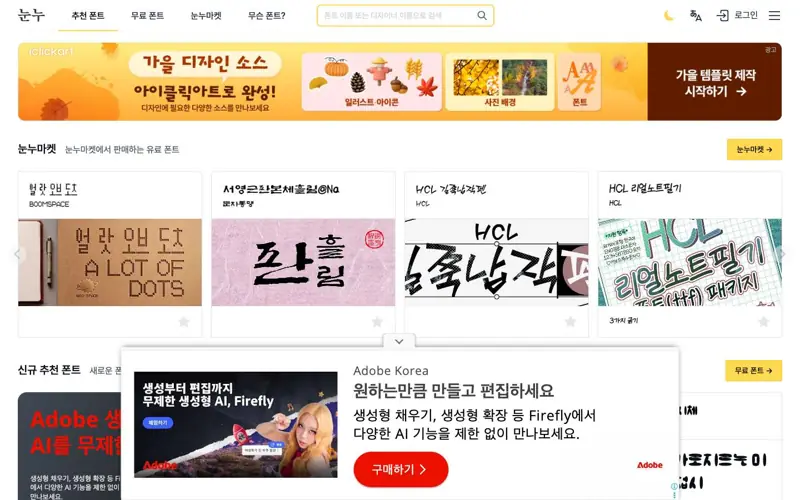
| 눈누 | Fonts & text | A directory of Korean fonts that allow commercial use, with live preview and license tables. |
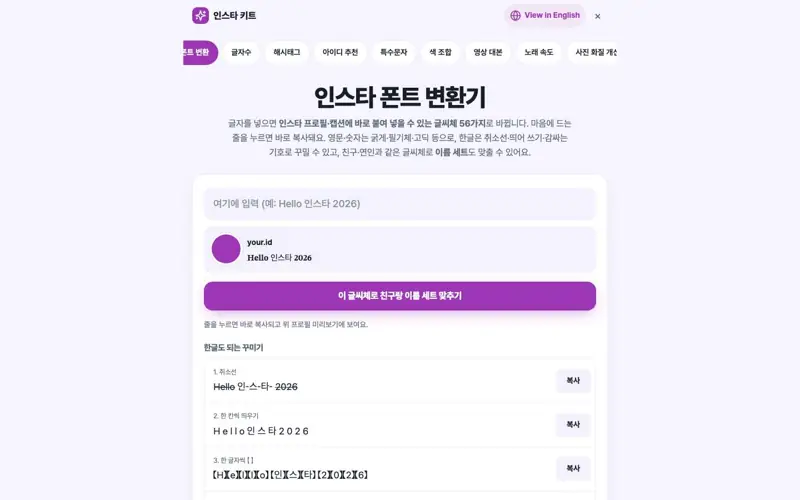
| 인스타 글씨체 변환 | Fonts & text | Turns letters and numbers into bold, script and other Unicode styles you can paste anywhere. |
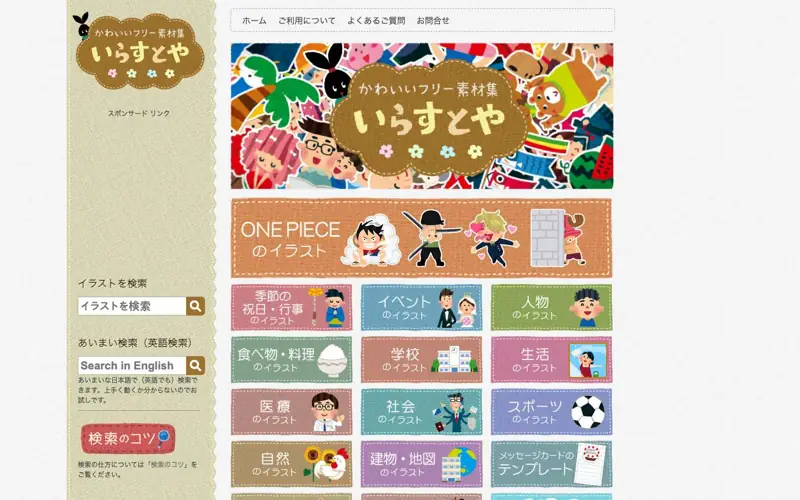
| いらすとや | Images & illustration | A large Japanese library of free illustrations of people, jobs and situations. |
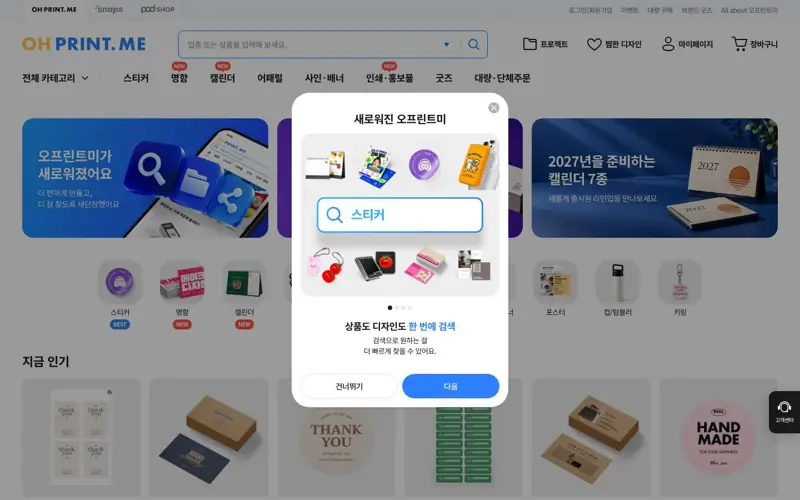
| 오프린트미 | Print & merch | A print service for small runs of business cards, stickers and custom merch with a built-in editor. |
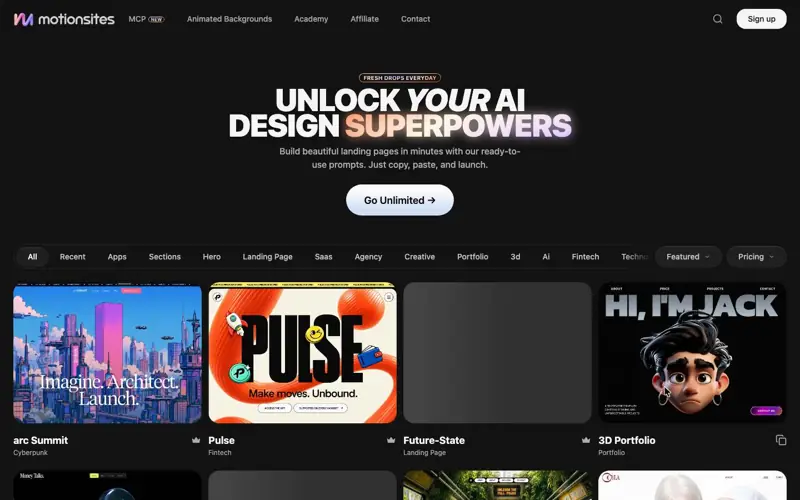
| MotionSites | AI prompts & backgrounds | A paid library of website prompts and animated backgrounds for Lovable, Bolt, Cursor and Claude. |
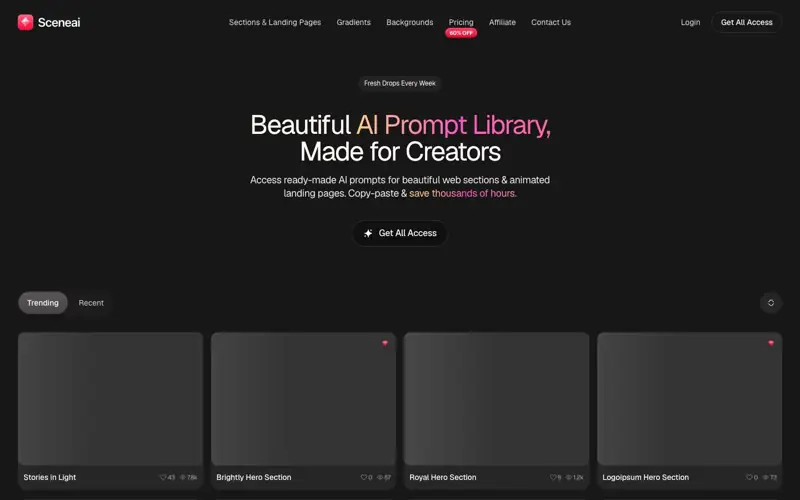
| SceneAI | AI prompts & backgrounds · Color | A paid library of section-level prompts and high-resolution gradient backgrounds. |
FAQ
Are these all free?
Most are free to start, with different terms. Reference sites are free to browse, template tools split free and paid plans, and print services charge per order. Prices change, so check each site before paying.
Can I use fonts and images found here in ads?
It depends on the asset. Noonnu shows a per-font table for print, web, video and logo use, and Irasutoya is free up to 20 images per work. Read the license text of the exact asset before commercial use.
What is the line between reference and copying?
Structure (order, hierarchy, spacing) is fair to study. Moving illustrations, icons, copy or logos is not. Look at three or more sources and take only what they share.
Where should a beginner start?
For a social image, start from a MiriCanvas or Canva template and change the colors and font. For an app or web screen, review three to five examples of the same screen, then draw it in Figma.